May 18, 2026
Museum accessibility: a practical guide for small and mid-sized museums
Museum accessibility for small and mid-sized museums: physical, sensory, cognitive and digital steps, plus how audio guides help. Practical checklist.
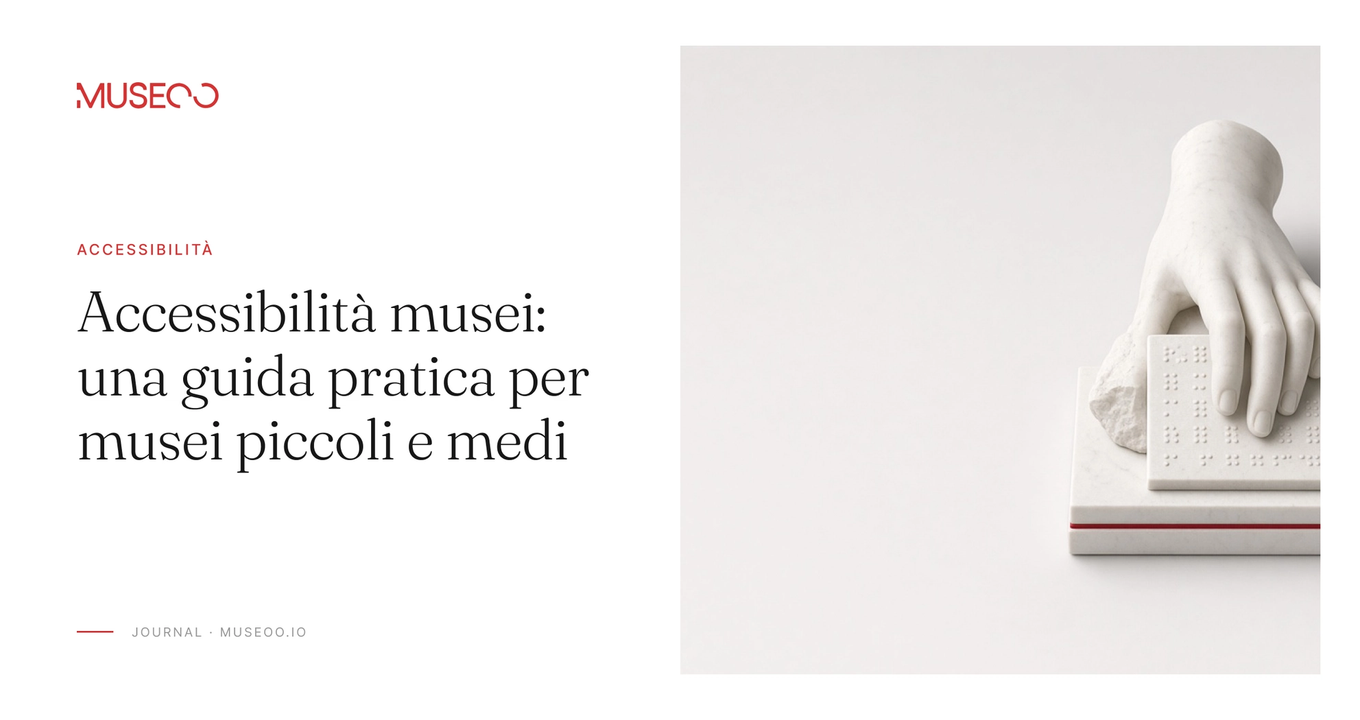
Making a museum accessible means working on four layers together: physical, sensory, cognitive and digital. Small and mid-sized museums start by surveying barriers and with low-cost moves: an honest accessibility page, audio transcripts, descriptions of key works and short staff training.
A visitor who cannot enter. A blind visitor who hears only silence in front of a painting. A teenager who abandons the gallery after three dense labels. Museum accessibility is not a chapter you open “when funding appears”. It is the difference between a museum open to everyone and a museum open only to people who already cope.
This guide is for directors, curators and visitor-experience leads in small and mid-sized museums across Europe. You will get concrete steps on physical, sensory, cognitive and digital access, a self-assessment model, and a clear view of where an audio guide helps — without turning this into a legal brief. Law deserves its own post. Here we stay practical.
The European Commission estimates that about 100 million people in the EU live with some form of disability. That is not a niche audience. It is families, tourists, local residents and staff — people who often stay away without you noticing why.
What museum accessibility really means
Accessibility is more than a ramp. The COME-IN! guidelines, developed through an Interreg Central Europe project for smaller museums, look at the whole visitor “service chain”: website, arrival, ticketing, spaces, information, staff and the journey home.
Work on four layers together:
- Physical: arrive, enter, move, sit, use facilities.
- Sensory: see, hear, touch (when possible), or get equivalent alternatives.
- Cognitive: understand, orient, predict what happens next, not be locked out by jargon.
- Digital: website, online tickets, apps or web apps, audio guides, maps and forms.
You do not need to rebuild the museum in a month. You need a map of barriers, honest priorities and improvements you can ship with limited resources.
A light legal frame (not a legal article)
Two EU instruments often get mixed up in museum conversations. Keep them distinct.
European Accessibility Act: what it covers (and what it does not)
The European Accessibility Act (Directive 2019/882) sets common accessibility rules for certain products and services. Covered services include e-commerce. Covered products include certain self-service terminals such as ticketing machines. The EUR-Lex summary notes that Member States had to apply the measures from 28 June 2025.
For many museums, the practical hotspot is:
- websites or apps used to sell tickets or take bookings (when they count as e-commerce);
- on-site ticket or interactive information terminals, when they fall under the product list.
Important: the EAA is not a general law on exhibition design, and it does not clearly place every museum audio guide or interpretive trail inside its scope. Good practice and legal duties can overlap; they should not be blurred in your public messaging. A future post can dig into national transposition, exemptions and timelines.
Web Accessibility Directive for the public sector
The Web Accessibility Directive (2016/2102) covers websites and mobile apps of public-sector bodies. Many public museums fall here: accessibility statement, feedback channel, monitoring. Technical expectations align with European standards built on WCAG — perceivable, operable, understandable, robust.
Use this frame if you are a public museum. If you are private, treat WCAG as the shared quality bar anyway.
Physical accessibility: follow the visitor, not the floor plan
Start from a real visit.
Check first
- Arrival: reserved parking, public transport, step-free approach.
- Entrance: level access or ramp, usable doors, manoeuvring space.
- Circulation: clear routes, slopes, lifts, signed alternatives when levels change.
- Rest: seating along the route, not only at the end.
- Facilities: accessible toilet, clear wayfinding, water if you offer it.
- Emergency: egress and alerts that work for people who cannot run or hear a siren.
You do not need a full architectural survey to begin. One morning with a tape measure, photos and a critical walker — ideally with a local disability organisation — is enough to open the file.
Low-cost moves typical of smaller museums
- Remove temporary obstacles (plinths in the aisle, temporary signs on the floor).
- Publish accessible routes before arrival — on the website and at the desk.
- Offer folding stools on request.
- Train front-of-house staff to assist without taking over the visit.
Sensory accessibility: alternatives, not “lesser versions”
Museums remain highly visual. The goal is not to flatten the visual experience. It is to offer equivalent channels.
For blind and low-vision visitors
ITU guidance on audio description covers museums and heritage settings: describe essential visual details, use clear language, orient the listener in space, and make it obvious when description is available.
A small museum can start like this:
- Pick 5–10 key works or spaces.
- Write a description of what is there, where it sits, materials, relative scale, and one characterful detail.
- Record it (staff voice or synthesis) and deliver it via QR / web app on the visitor’s phone.
- Where possible, pair it with a tactile moment (replica, relief detail, material sample) and guide the hand with audio.
Audio description is mediation, not a substitute for scholarship. Like any audio-guide script, it should be written for the ear and checked by people who know the objects.
For deaf and hard-of-hearing visitors
- A transcript for every audio track.
- Captions on video; where you can, sign-language video for welcome content and a handful of emblematic stops.
- Never put essential information in sound alone.
For neurodivergent visitors and sensory sensitivity
ICOM UK highlights predictable environments, advance information, quiet areas and visitor control over pace and stimuli. Practical museum examples include ear defenders, relaxed openings, maps that mark calm spots, and quieter desks.
An audio guide can help here too: pause, replay, skip the group tour overload. Do not force a single mode on everyone.
Cognitive accessibility: understanding is not optional
ICOM notes that many museums have moved faster on sensory access than on cognitive access. People get in — then get lost in the language.
Plain language and easy-to-read
Inclusion Europe’s “Information for all” standards explain how to make information easy to read and understand: short sentences, everyday words, one idea per sentence, generous layout, explanatory images, and testing with the people the texts are for.
What you can do without redesigning the whole museum:
- A short easy-to-read visitor guide (PDF or web page): hours, how to arrive, what to expect, visit length, facilities.
- Two-level labels: one plain sentence + optional depth.
- A map with pictograms and numbered routes.
- Family or school trails with concrete missions and crystal-clear instructions.
Orientation and predictability
Before the visit: entrance photos, suggested duration, notes on light or sound if relevant, bag policy, stairs. During: consistent signage, “you are here”, routes to exits and toilets. After: a simple feedback line (“What made the visit harder than it needed to be?”).
Digital accessibility: site, tickets and audio guide
Digital is often the first door. If the website fails, the museum closes before it opens.
Essential digital checklist
Aim at WCAG 2.1 principles, with Level AA as a practical target:
- Text alternatives for informative images.
- Enough contrast and resizable text.
- Keyboard navigation and a visible focus state.
- Forms with clear labels and human-readable errors.
- Captioned video; transcribed audio.
- No essential information conveyed by colour or image alone.
If you sell tickets online, remember the EAA e-commerce angle: the purchase flow must work with assistive technologies. Do not claim legal conformity in a blog post. Check with whoever runs your site — and with a specialist when stakes are high.
Where the audio guide fits
A smartphone audio guide improves access when you design it for access:
- Audio description of key works.
- A transcript for every track.
- Plain language and levels (short / deeper / for children).
- Multiple languages, because cognitive access includes visitors who do not speak the local language fluently.
- Sign-language video linked to the same stops, when you can.
- Frictionless start (QR, no mandatory download). Extra steps exclude people. We have also written about why museums are leaving dedicated devices behind.
An audio guide will not invent a missing ramp. It can turn a “look-only” collection into something you can hear, read and, partly, translate.
A 90-day plan for a small museum
Adapt freely.
Days 1–15: survey
- Walk the route as a first-time visitor.
- Fill the checklist below (physical, sensory, cognitive, digital).
- List 10 barriers: 3 urgent (safety / total exclusion), 4 important, 3 nice-to-fix.
Days 16–45: quick wins
- Publish an honest Accessibility page (what works, what does not, who to contact).
- Add transcripts to existing audio.
- Write five audio descriptions for the most requested works.
- Train ticket-desk staff on concrete help phrases.
- Improve wayfinding to routes and facilities.
Days 46–90: one structural piece
- Choose one physical intervention (compliant temporary ramp, toilet, seating) or one digital fix (ticketing / WCAG on the critical flow).
- Test with at least one user group or association.
- Write a one-page annual roadmap.
Self-assessment checklist (template)
Use this in a staff meeting. Mark yes / partial / no and add a note.
Before the visit
- Accessibility info on the website (entrance, facilities, routes, contacts)
- Tickets/bookings usable by keyboard and screen reader
- A named contact for access needs
On arrival
- Accessible route from outside is signed
- Front-of-house trained (not only well-meaning)
- Clear alternatives when an area is not accessible
During the visit
- Seating along the route
- Readable labels (size, contrast, height)
- At least one sensory/audio path for key works
- Easy-to-read material or simplified map
- Quiet zone or guidance on quieter times
Digital in the galleries
- QR/audio guide with transcript
- Simple controls (play, pause, volume, language)
- No mandatory download to start
Afterwards
- Accessibility feedback channel
- Quarterly review of open barriers
This checklist is the core of the downloadable resource at the end of the article. Print it, share it with your municipality or foundation, or use it as the skeleton of an internal access plan.
Common mistakes
- Building only the ramp. Without information and mediation, entry stays symbolic.
- Claiming “100% accessible”. Be precise: what works, what does not, what alternatives exist.
- Cutting catalogue text and calling it easy-to-read. Rewrite. Do not just shorten.
- Mixing up the EAA and collection interpretation. Different layers; treat them as such.
- Launching an audio guide without transcripts or user testing. Audio alone is not access.
- Assuming digital fixes everything. An inaccessible screen adds barriers.
Frequently asked questions
Where do we start with almost no budget?
With the survey and with information. An honest accessibility page, audio transcripts, five key descriptions and a short staff briefing cost little and change the visit immediately.
Does the European Accessibility Act require accessible audio guides in my museum?
The EAA targets listed products and services (including e-commerce and certain terminals). Do not read it as a blanket duty on every interpretive tool. Check online ticketing and self-service machines case by case, and treat an accessible audio guide as good practice (and, if you are under the public-sector Web Accessibility Directive, align sites and apps with those rules).
How long should audio-description tracks be?
They are still tracks people hear while standing. Keep them short and ordered — often in the 1–3 minute range per work, as with general audio guides. Clarity beats a spoken essay.
Can we improve cognitive access without rewriting every label?
Partly: easy-to-read guide, simplified map, numbered route, prepared staff. Over time, two-level labels and a tone review remain among the highest-impact changes.
Is WCAG only for public museums?
Public-sector museums often have formal duties under the Web Accessibility Directive. Private museums still benefit from WCAG as a shared quality standard — especially for tickets, maps and any audio delivered on the web.
Wrapping up
Museum accessibility is steady work, not a badge. Small and mid-sized museums win when they measure barriers, speak plainly, offer sensory and digital alternatives, and improve one piece every quarter.
If you are building or updating an audio guide, start with the craft: how to create a museum audio guide and how to write the script. Then make sure every track has an accessible exit path: transcript, plain language, description where it matters.
Download the accessibility self-assessment checklist
If you want to see how a smartphone audio guide can support descriptions, transcripts and multilingual routes in your museum, you can also book a demo.
Free resource
Free checklist: launch your museum's audio guide in 6 steps
A checklist to print and fill in with your team: every step from the route to your first statistics, timings for each phase, common mistakes and price benchmarks. 8-page PDF, free.
Newsletter
Stay close to the
future of museums.
Essays, observations, and research on storytelling, experience design, and the digital evolution of cultural institutions. No noise.